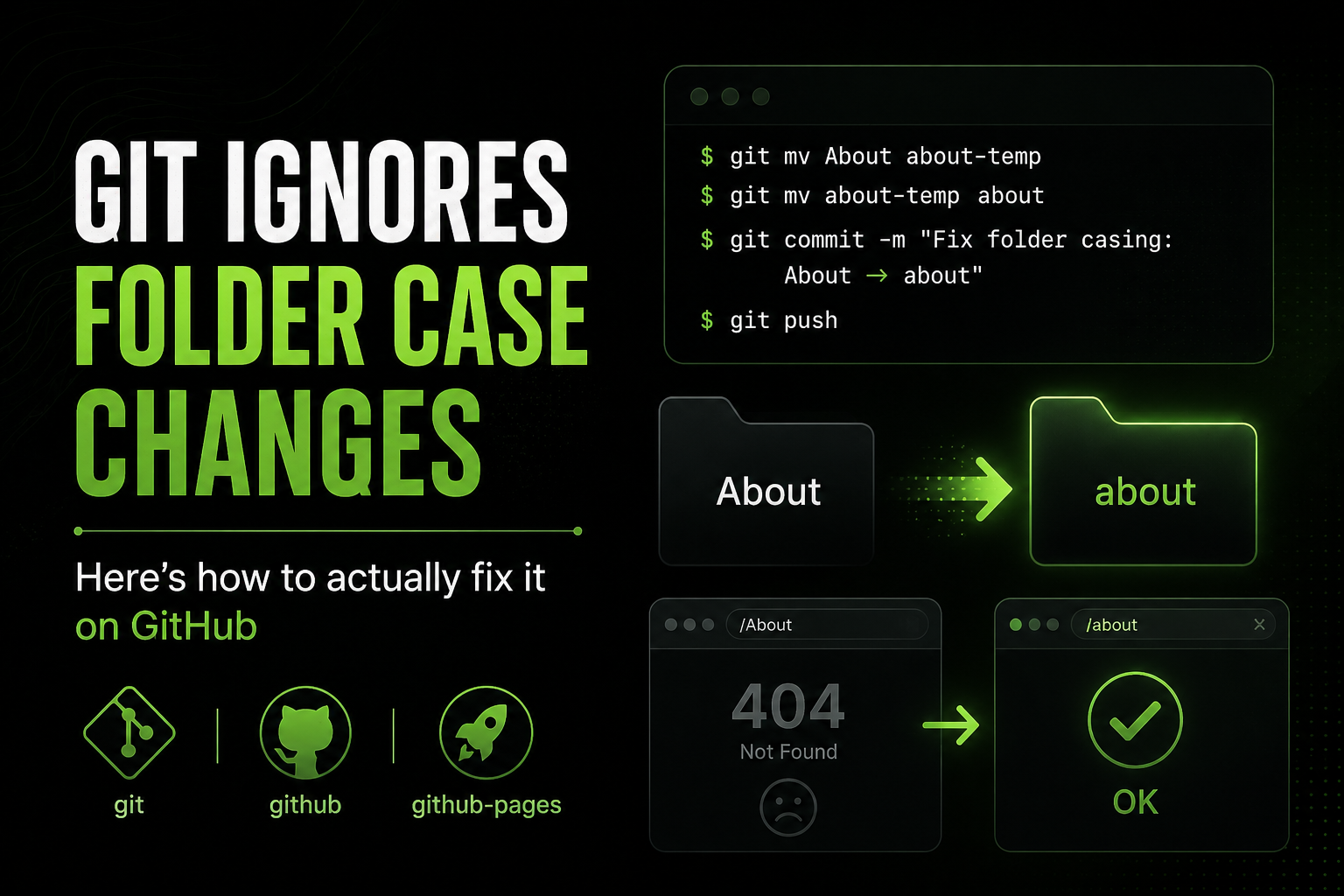
Git ignores folder case changes — here's how to actually fix it on GitHub
Renamed a folder from About to about locally and Git shrugged. Two git mv commands fix it on the remote — and why GitHub Pages cares about casing at all.
You rename a folder from About to about, push, and the site still 404s for a second before the browser lands on the right page. I hit this on an old VuePress blog — nav link pointed at /about, folder was About with a capital A. Locally everything looked fine. On GitHub Pages, the URL bar flashed a 404 before redirecting to the lowercase path. Annoying for readers. Worse when there’s no redirect and the wrong casing just stays broken.
That flash is the symptom. The cause is a three-way mismatch nobody warns you about.
Why Git pretends nothing changed
Your Mac or Windows filesystem is case-insensitive (or case-preserving). Rename About to about in Finder or Explorer and the OS treats it as the same directory. Git’s index stores path strings literally — but on a case-insensitive volume, git status often shows a clean working tree even though the casing on disk changed.
Push that commit and the remote gets… nothing useful. GitHub’s servers run Linux. Paths are case-sensitive. src/pages/About.astro and src/pages/about.astro are different files to the web server even if your laptop couldn’t tell them apart.
GitHub Pages serves whatever path the build output produces. Astro maps src/pages/about.astro to /about/ and src/content/blog/my-post.md to /blog/my-post/ based on the filename slug. A folder named Blog in public/ becomes /Blog/, not /blog/. The build succeeds. The link in your nav says /blog/. Production 404.
The fix: two-step git mv for folders
Git needs an intermediate name so the index records a real rename on a case-insensitive filesystem. For a folder:
git mv About about-temp
git mv about-temp about
git commit -m "Fix folder casing: About → about"
git push
For a single file, one step usually works:
git mv About.astro about.astro
git commit -m "Fix file casing: About.astro → about.astro"
git push
After the push, rebuild your site (GitHub Actions on this repo, or npm run build locally to verify). Check the live URL with the lowercase path — no redirect hop, no flash.
On this Astro site specifically, watch these paths:
src/pages/— each.astrofile becomes a route;Contact.astrois/Contact/, not/contact/src/content/blog/— the markdown filename sets the slug;My-Post.mdlands at/blog/my-post/(Astro lowercases slugs) but the source filename still matters for your own sanitypublic/— copied as-is;public/Images/logo.pngis served at/Images/logo.png, case and all
I keep everything in src/pages/ and public/ lowercase kebab-case now. Content collection entries follow the same rule even though Astro normalizes blog slugs — fewer surprises when you grep the repo or share a raw GitHub link.
Fallback: GitHub web UI (when you’re stuck)
If you’re on a machine where git mv fights you, or you’re fixing a folder with a handful of files and don’t want to touch the CLI:
- Open the folder on github.com
- Edit each file’s path in the web editor — change
About/readme.mdtoabout/readme.md - Commit each change separately
It works. It’s tedious. I did this once on a VuePress folder with two files and swore never again. A repo with dozens of mis-cased paths deserves the two-step git mv approach or a fresh clone with correct casing from the start.
Prevention beats surgery
Pick a convention and enforce it before the first push: lowercase folders, kebab-case file names, nav links that match exactly. Run git config core.ignorecase false on case-insensitive systems if you want Git to complain early — though that setting has its own footguns on mixed teams.
The 404 flash I saw years ago took ten minutes to diagnose and five to fix once I understood what Git was actually tracking. Same ten-minute trap, still waiting for the next person who renames Services to services and wonders why the remote didn’t notice.