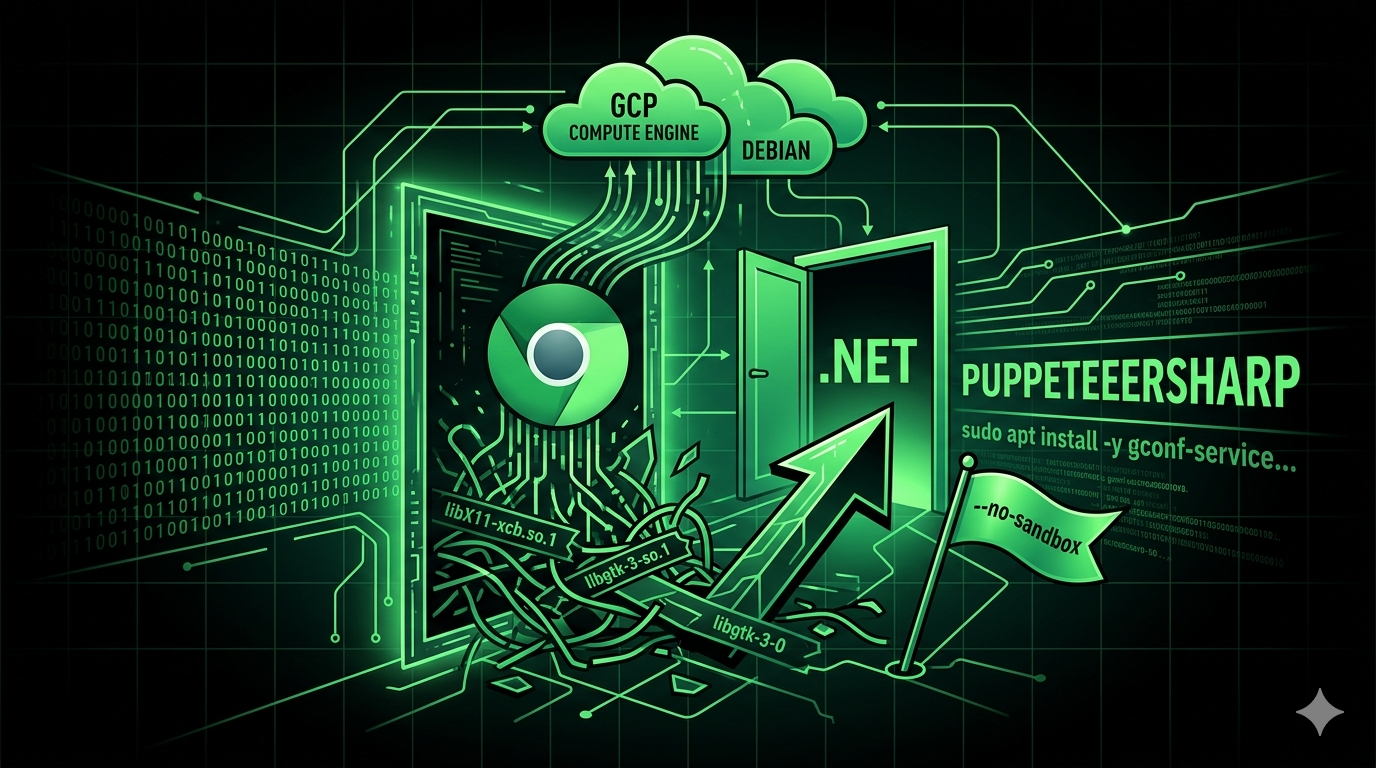
Running PuppeteerSharp Headless Chrome on Google Cloud Compute Engine
A .NET console app threw a missing shared library error the moment it hit a Debian VM with no GUI — here is the apt install and the sandbox flag that actually fixed it.
I built a browser automation tool in .NET using PuppeteerSharp to drive a headless Chrome instance. Worked fine locally. Deployed it to a Google Cloud Compute Engine VM — Debian, no graphical interface, the kind of box that’s never had a window manager installed on it — and it died on first run:
libX11-xcb.so.1: cannot open shared object file: No such file or directory
Headless Chrome still needs the X11 client libraries even though nothing ever renders to a screen. A desktop-free Debian image doesn’t ship them, so PuppeteerSharp’s bundled Chromium can’t even start.
Fix one: install the missing shared libraries
sudo apt install -y gconf-service libasound2 libatk1.0-0 libc6 libcairo2 libcups2 \
  libdbus-1-3 libexpat1 libfontconfig1 libgcc1 libgconf-2-4 libgdk-pixbuf2.0-0 \
  libglib2.0-0 libgtk-3-0 libnspr4 libpango-1.0-0 libpangocairo-1.0-0 libstdc++6 \
  libx11-6 libx11-xcb1 libxcb1 libxcomposite1 libxcursor1 libxdamage1 libxext6 \
  libxfixes3 libxi6 libxrandr2 libxrender1 libxss1 libxtst6 ca-certificates \
  fonts-liberation libappindicator1 libnss3 lsb-release xdg-utils wget
That’s the full Chrome dependency chain — graphics, fonts, D-Bus, the works. Most of it Chrome never touches in headless mode, but it still checks for it at startup.
Fix two: disable the sandbox
The library error goes away, then Chrome refuses to launch a second time, this time complaining about the sandbox. Compute Engine VMs can’t run Chrome’s sandbox without extra seccomp/user-namespace setup that a stock image doesn’t have, so the practical fix is turning it off in the launch args:
var browser = await Puppeteer.LaunchAsync(new LaunchOptions
{
    Headless = true,
    Args = new[] { "--no-sandbox" }
});
--no-sandbox is the standard move for Chrome running as root or in a stripped-down VM/container — you’ll see the same flag in most Dockerized Puppeteer setups for the same reason.
Does this still hold up
The framework naming has shifted since — ”.NET Core” got folded into plain ”.NET” after .NET 5 — but the libraries underneath didn’t change. The dependency list is the part worth double-checking: a couple of those packages (libappindicator1, libgconf-2-4) are old enough that they may not exist in a current Debian repo at all. If apt install chokes on one, drop it and try again — Chrome only hard-fails on the ones it actually links against, and most of this list is belt-and-suspenders.
The core problem — minimal Debian image missing GUI libraries Chrome still expects, sandbox unavailable on the VM — hasn’t gone anywhere. Anyone hitting libX11-xcb.so.1 on a fresh Compute Engine box today is debugging the exact same thing.